Free
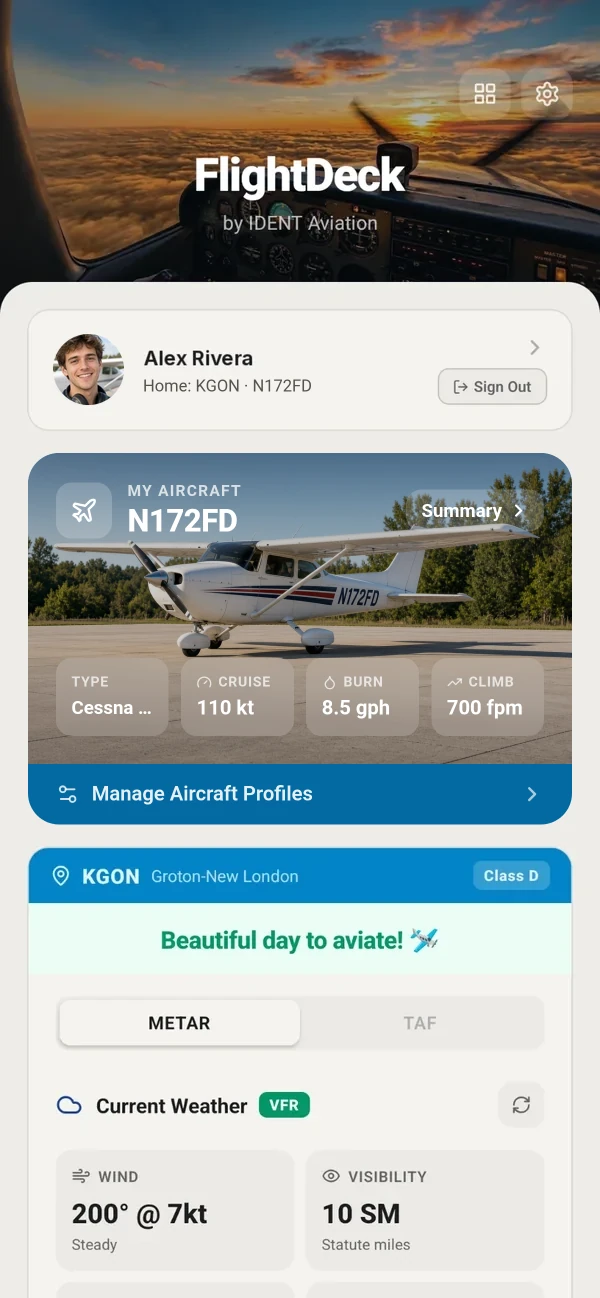
Your home airport, live
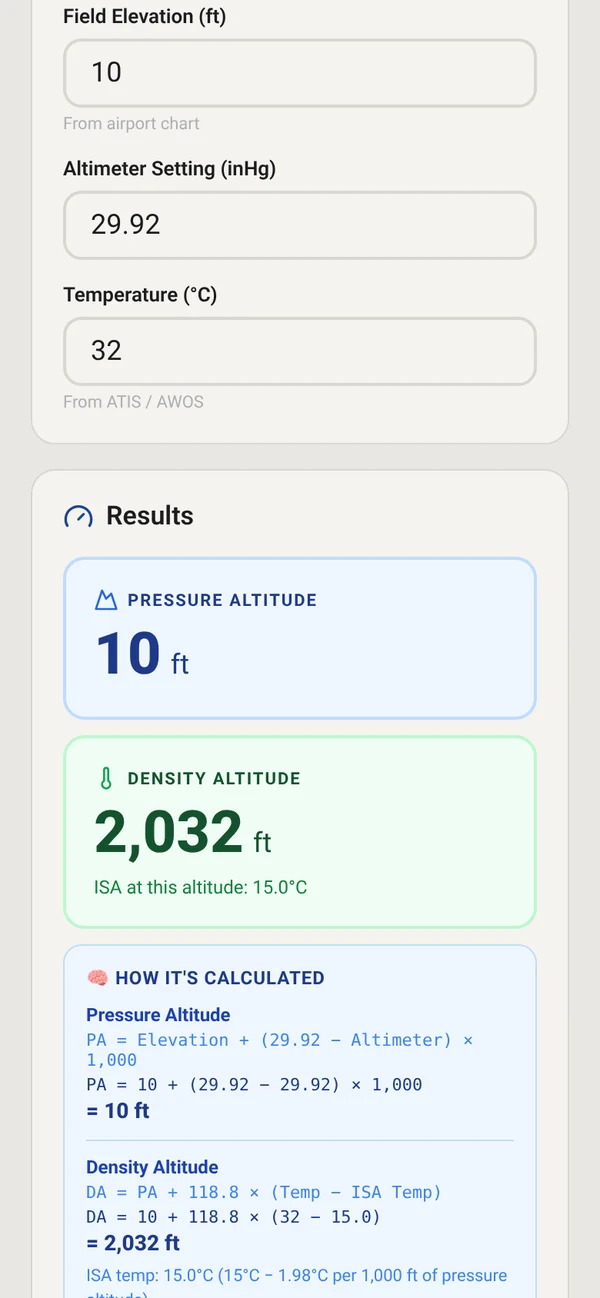
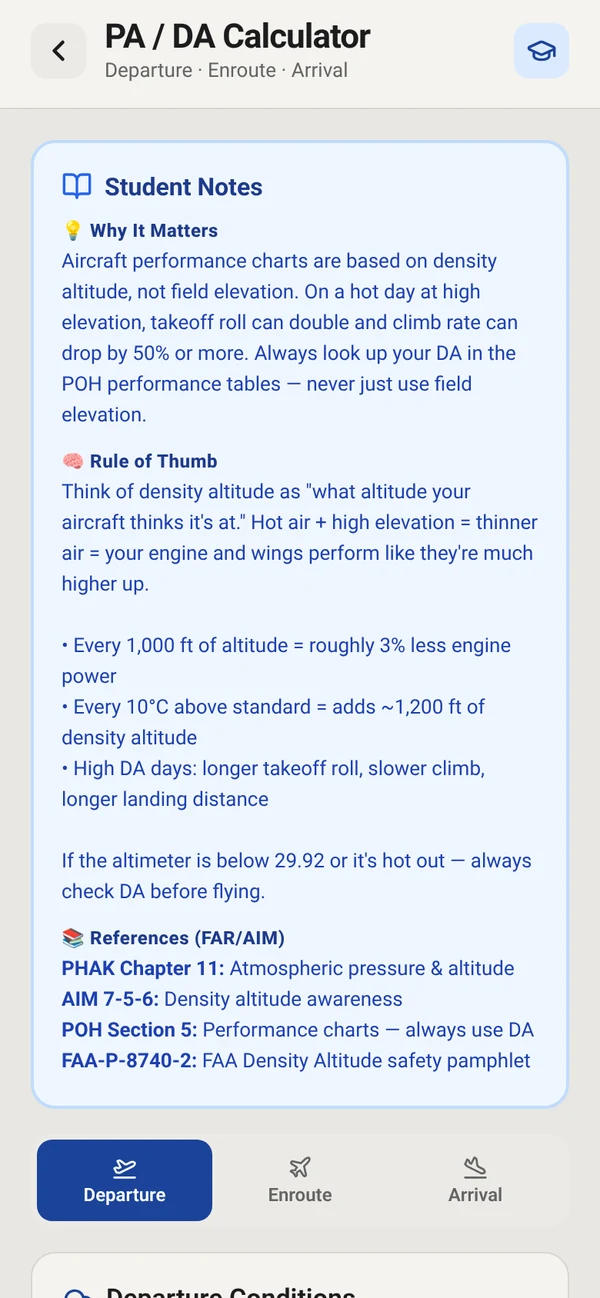
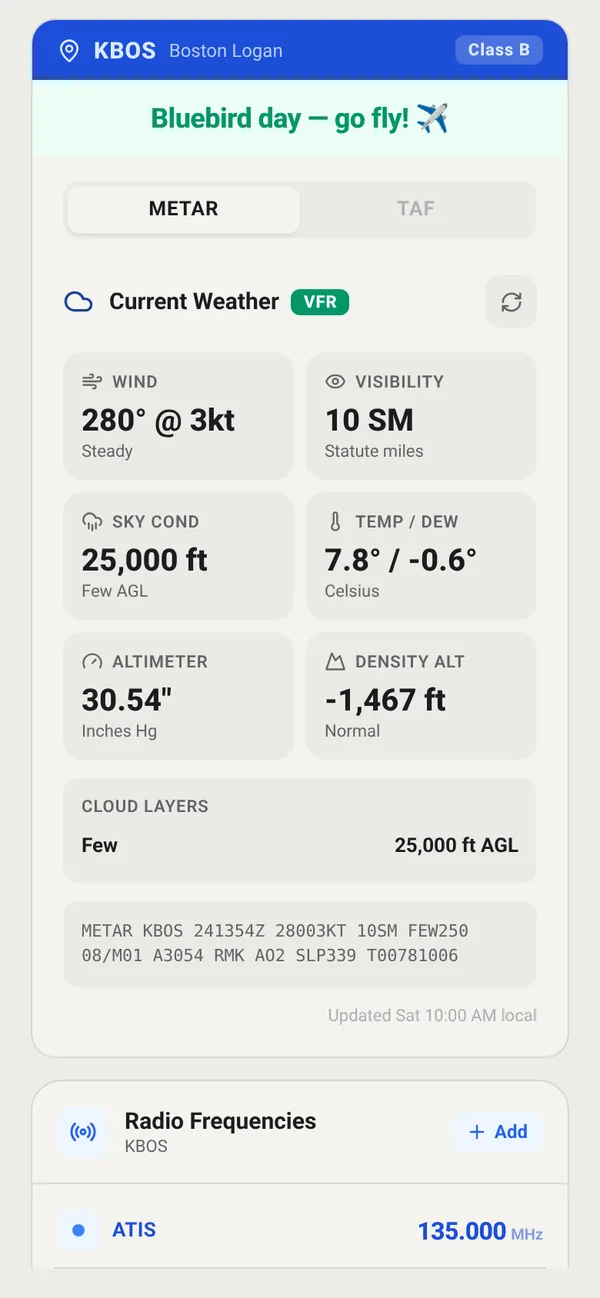
Set the airport you fly from and FlightDeck opens on it: current METAR and TAF, decoded into wind, visibility, sky condition, temperature and dew point, altimeter and density altitude, plus the raw METAR and your saved radio frequencies.
- METAR & TAF: decoded weather tiles and cloud layers
- Radio Frequencies: ATIS, Tower and Ground for your airport
- Favorite Airports: add the airports you fly to often
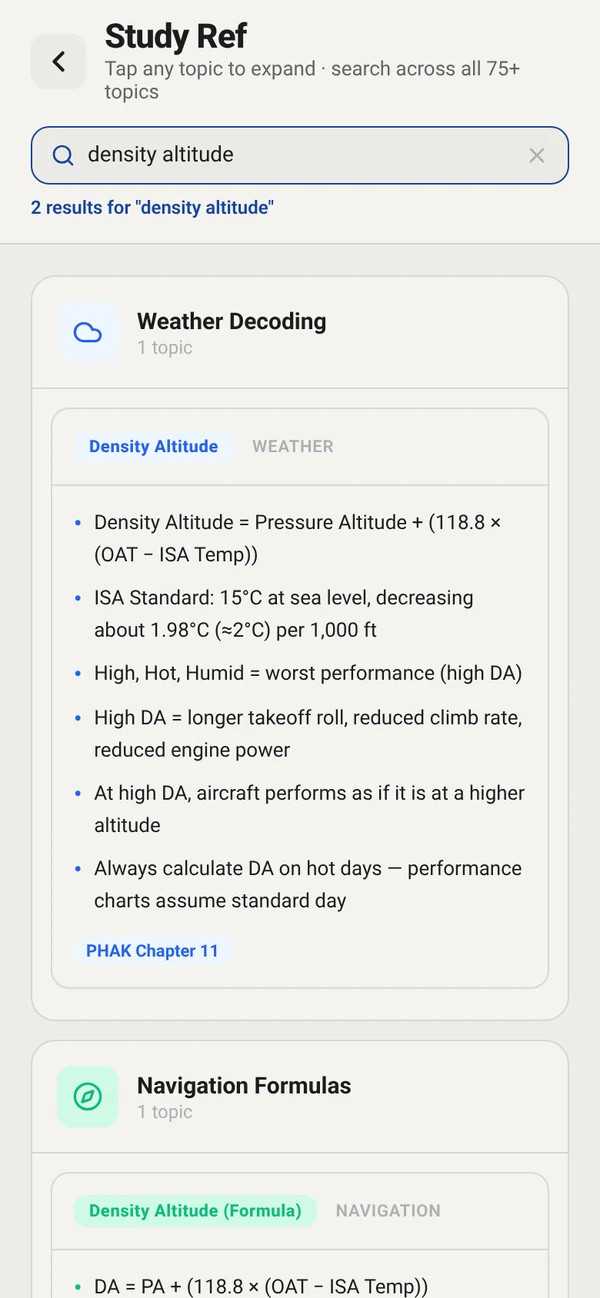
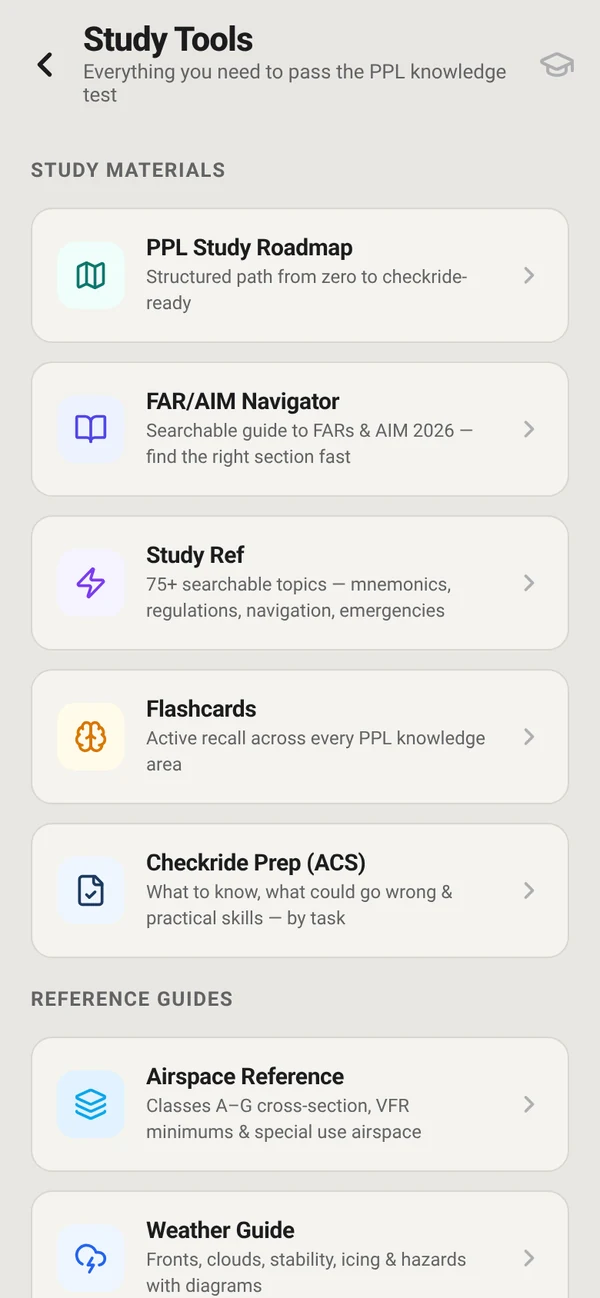
- Rusty on a code? Look it up in Study Ref’s Weather Decoding section (Study Tools)
“Can I fly?”
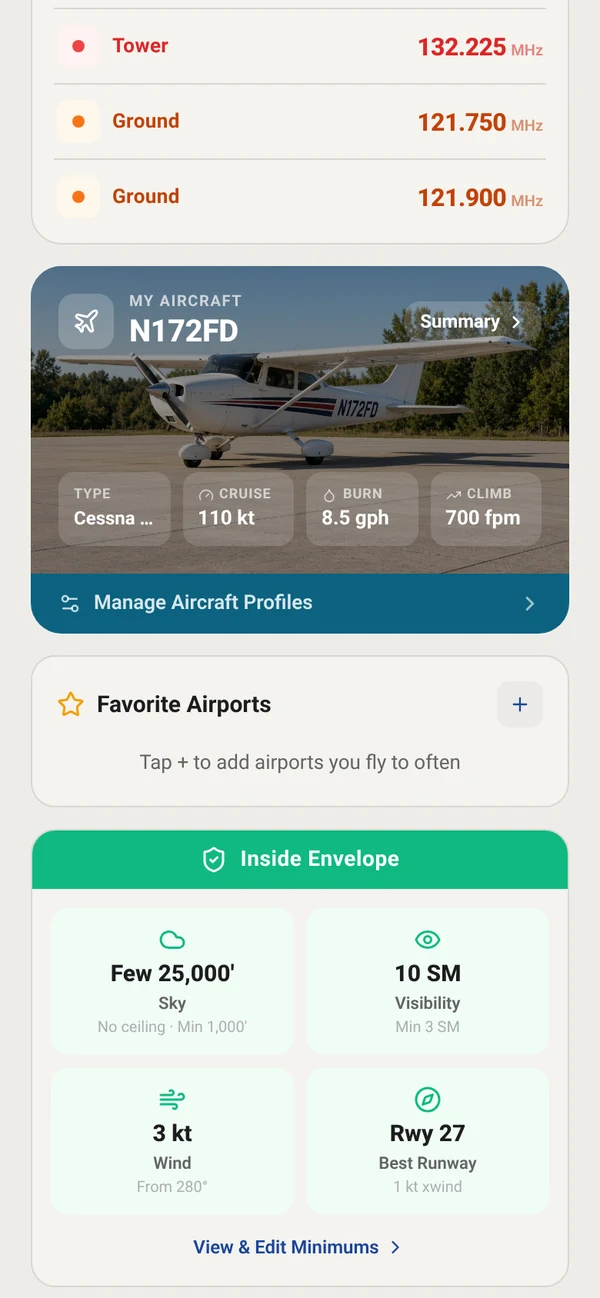
FlightDeck doesn’t just show the weather. It checks today’s conditions at your home airport and tells you plainly whether they fit: sky, visibility and wind.
Free: check weather against standard VFR visibility and cloud minimums plus conservative default wind limits. Flight Tools: set your own personal minimums.